
16 lines
1.3 KiB
Markdown
16 lines
1.3 KiB
Markdown
# Gitea-Dark-Red
|
|
|
|
Dark and red theme for Gitea
|
|
|
|
## Directions
|
|
|
|
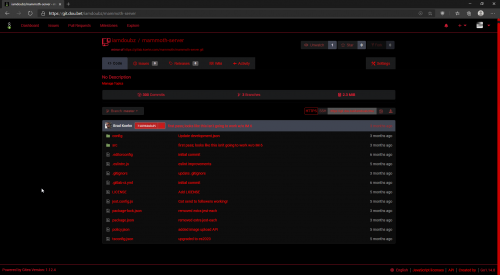
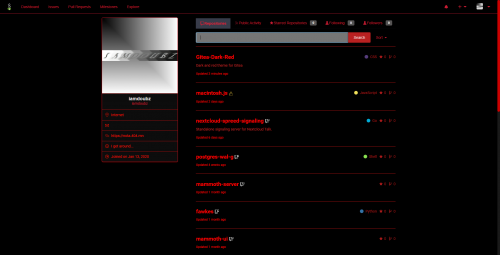
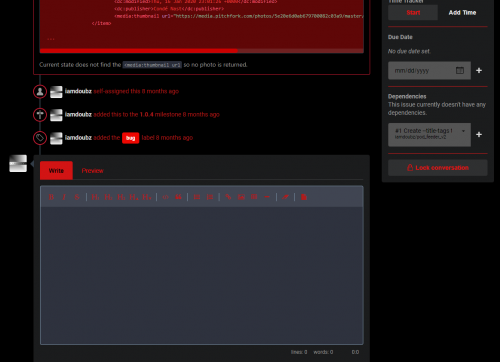
Put the `theme-darkred.css` into your `\path\to\custom\public\css` folder, add the option to your `\path\to\custom\conf\app.ini` (darkred), and `sudo service gitea restart` and then it should look like this if you choose it in your profile:
|
|
|
|
|                 [](https://pix.dou.bet/image/HoO4)                 |
|
|
| :--------: |
|
|
|
|
|                 [](https://pix.dou.bet/image/g7c5)                 |
|
|
| :--------: |
|
|
|
|
|                 [](https://pix.dou.bet/image/gzgA)                 |
|
|
| :--------: | |